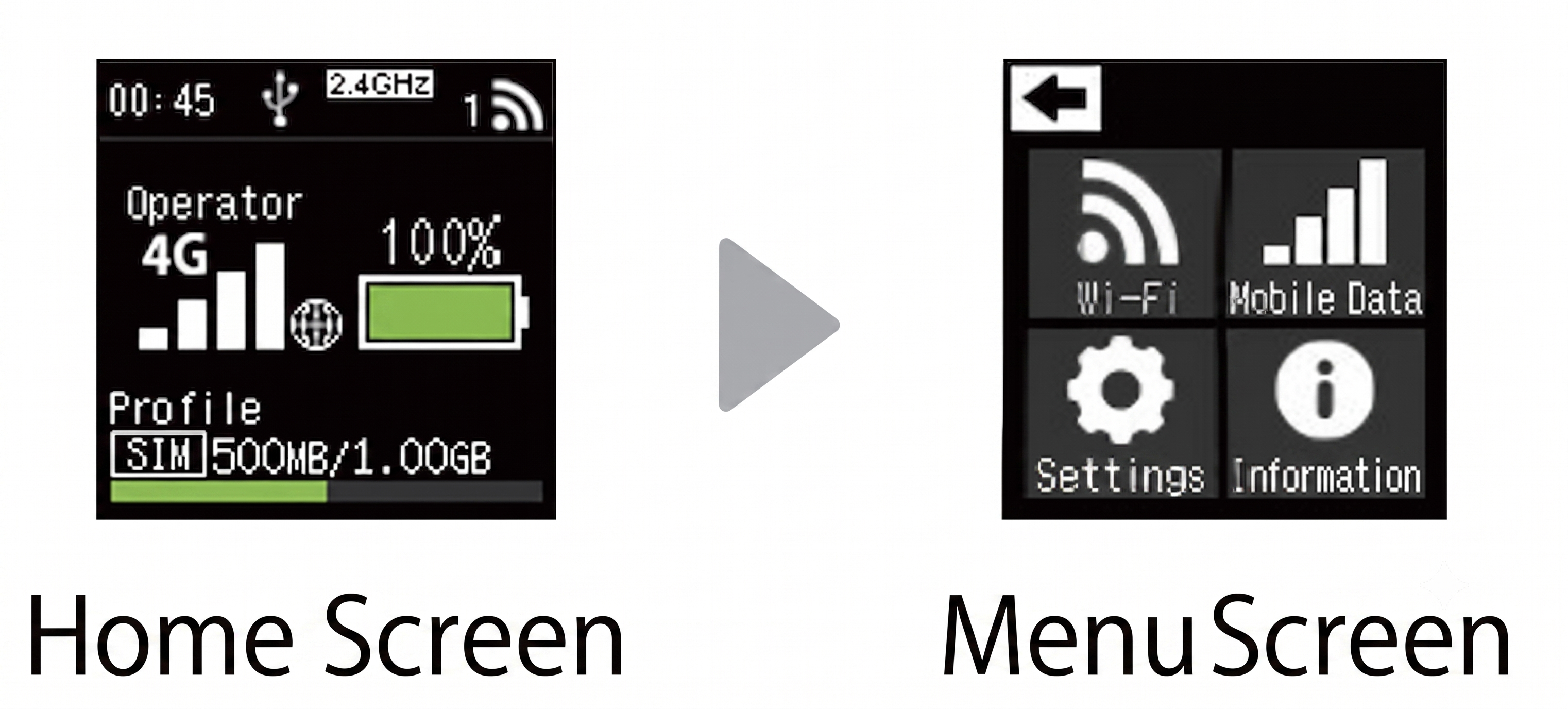
【How to Check the SSID and Password】
(1) Power On: Press and hold the Center Power Button for at least 3 seconds to turn on the device.
(2) Switch Screen: Press the "SELECT" button on the side of the device to switch to the menu screen.
(3) Select Wi-Fi: Press the "SELECT" button again to highlight "WIFI", then press the Power Button.
(4) Confirmation: Press the "SELECT" button once more to highlight "無線LAN接続情報", then press the Power Button to display the SSID and password.
(To connect via "QRコード", after pressing "SELECT".)