This guide applies only to devices with a management number starting with "CH..."
If the device is not working properly, please try the following steps:
<Restarting the Device>
(1) Connect Power: Plug the AC adapter into a wall outlet and the power terminal of the router.
(2) Check Status: The device will power on automatically. Wait until the "Status" lamp lights up green.
<Resetting the Device>
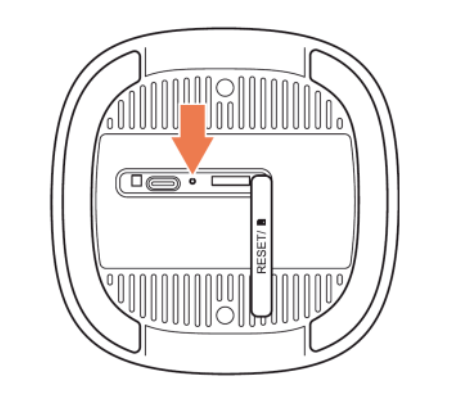
(1) Press Reset Button:Open the "RESET" cover on the back of the device. Using a thin object (like a paperclip), press and hold the button inside for 3 to 5 seconds.
(2)Restarting:Release the button when all lamps turn off. The device will restart automatically.
(3) Completion:Initialization is complete when the "Status" lamp lights up green again.